
01CIRCLE ONE BY ONENEW · SEPTEMBER 2026


Every word. Every character. In motion.
127 title templates built as native Fusion node graphs.
Fifteen brand-new titles just landed in Glyph Motions — the “whoop” word entrance that arrives one word at a time and settles with a tiny shake, the Apple-style liquid-glass widgets, and the 3D shine caption. Every one of them scored a perfect 3/3 in our own review before it made this list.










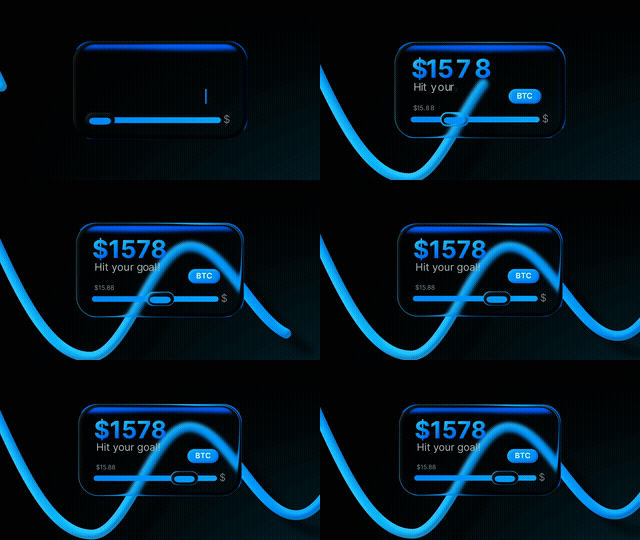
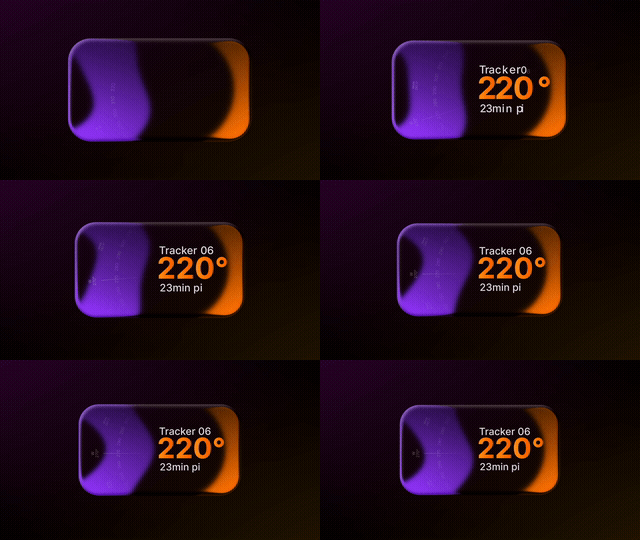

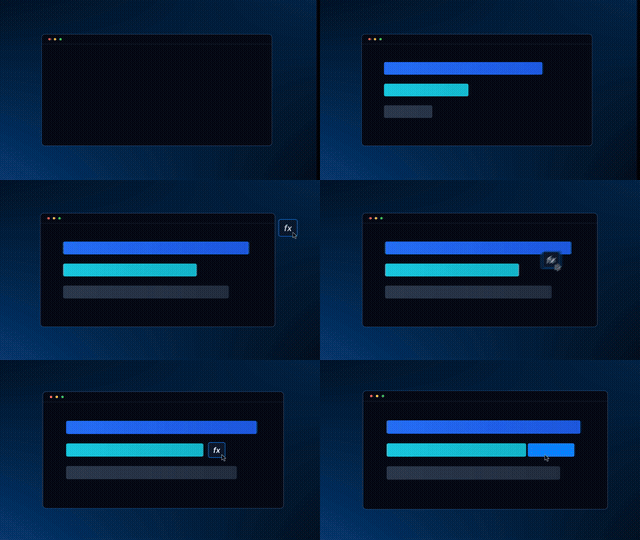
.drfx and the new titles appear under Titles → Glyph Motions.Every title in the pack was reviewed one by one and scored. 37 scored a perfect 3/3 — these are the classics from that list, and the 15 September releases above are on it too. Real Fusion-rendered previews, not mockups.

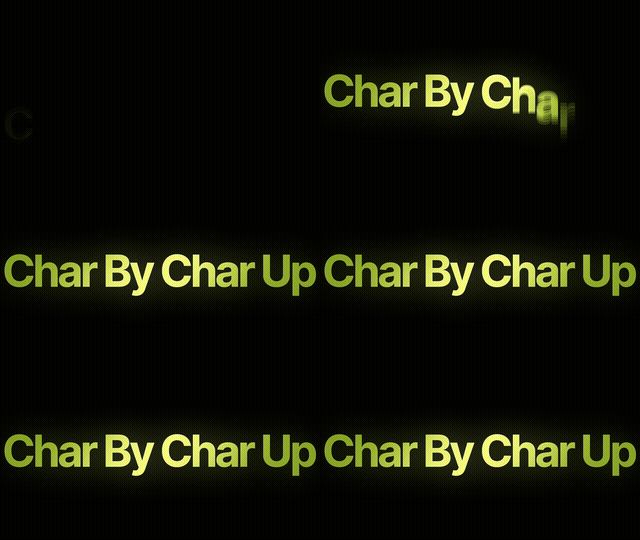






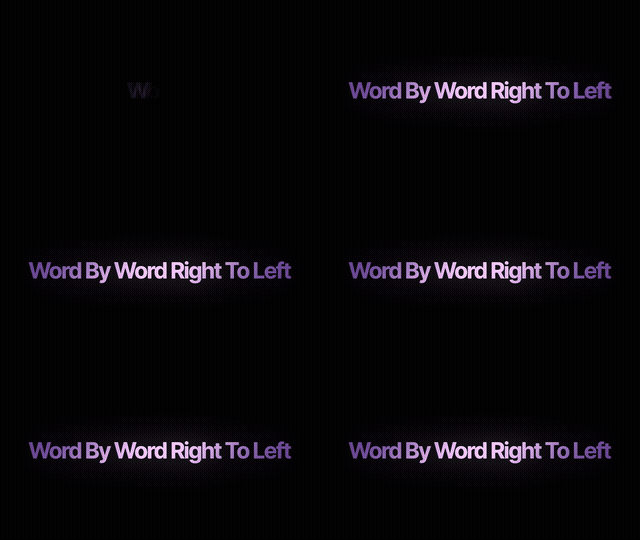









The same idea that makes the website move is the idea inside Glyph Motions: control the timing, direction and treatment of words instead of settling for one baked animation.
The September releases lead the wall, then the rest of the library. Every screen is a real Resolve render. Scroll to move through it.


Glyph Motions gives you the animation system — you decide the words, look and final timing inside DaVinci Resolve.
Replace copy and work at word or character level.
Adjust font, size, tracking, position and colour.
Shape the behaviour and timing instead of using a locked clip.
Text, Font, Colour, Size, Tracking and Position stay grouped per word as native Resolve Inspector controls.
The real, current library — counted off the installed templates, not a brochure.
One word-by-word title, built properly in Fusion, is a Text+ node, a Follower, eased keyframes, a glow chain and a motion-blur pass. That is most of an evening — for four seconds of screen time. Glyph Motions is that evening, already done, 127 times over.
Node tree, keyframes, easing, glow, motion blur — all built and tested already. You drag, you type your line, you are cutting again in under a minute.
No After Effects, no Dynamic Link, no re-export when the client changes one word. Everything happens on your own timeline, in your own colour space.
Text, font, style, colour and speed are Inspector controls on the clip. Nothing is baked in, and the type stays razor sharp from 1080p to 4K and beyond.
The entrance drops one word at a time with a 0.67 s gap — tuned to spoken cadence, not to a stock preset. The viewer reads at the speed you talk, so they stay.
The whole library was reviewed one by one. 33 were deleted for being boring or broken; 37 scored a perfect 3/3. You get the survivors, not the filler.
September added 15 new titles and every existing owner got them free. Most template libraries charge you that again every single month.
You will make this back on the first project — and then never build a word-by-word title from scratch again.₹399 ONE-TIME · FIRST 100 BUYERS · PRICE GOES BACK TO ₹1,999
GET GLYPH MOTIONS · ₹399Drop the Glyph Motions package into DaVinci Resolve Studio on Mac or Windows.
Templates appear under Effects Library → Titles → Glyph Motions.
Use the native Inspector controls, style presets and Kinetic macro to shape the motion.